Getting Started
🔑 Invite your first admin
Grant full access to the team member who will manage your center.
Steps
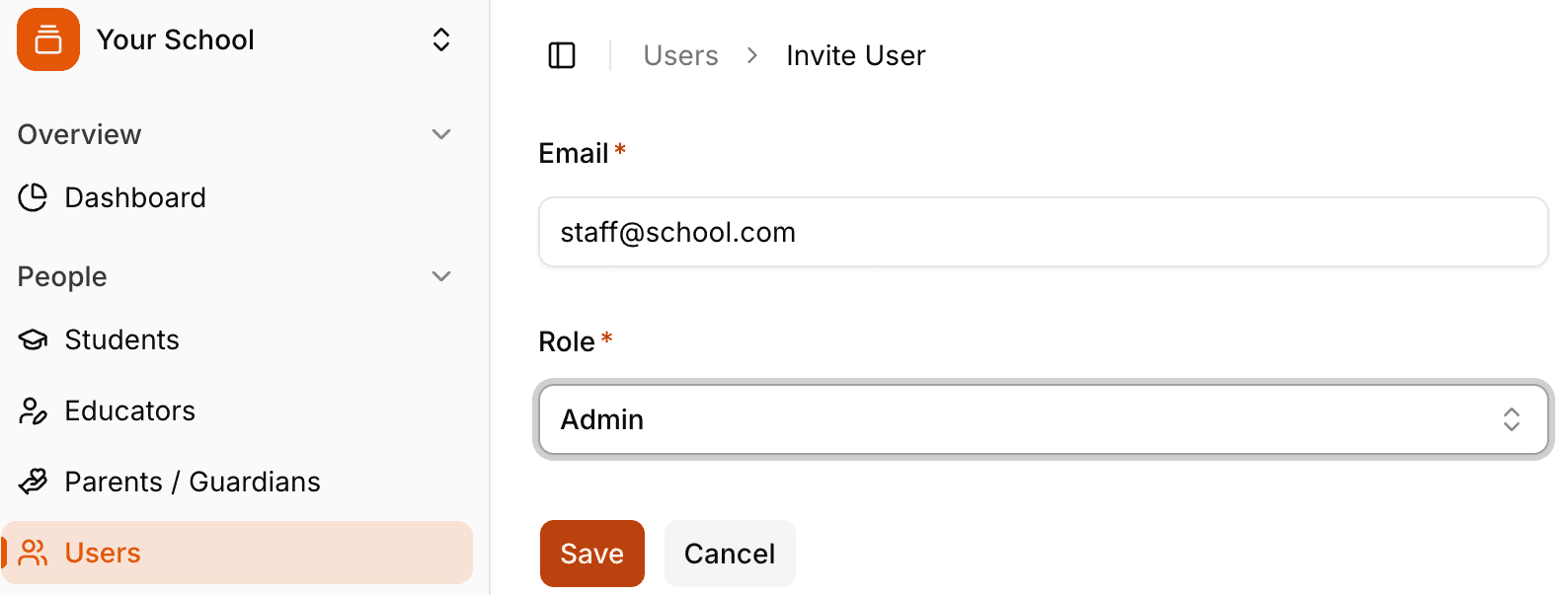
Go to People > Users.
Click the + at the top-right to add a user.
Enter the email address and choose Admin from the role dropdown.
Save — the invite will be sent automatically.
Tip
Add only the admins who need full settings access today. You can invite teachers and staff later.
For more detailed definitions and advanced options, see the Tutearn documentation.