🎓 Add students
Add students one by one or in bulk. Use Quick Add when classes fill up fast.
Steps
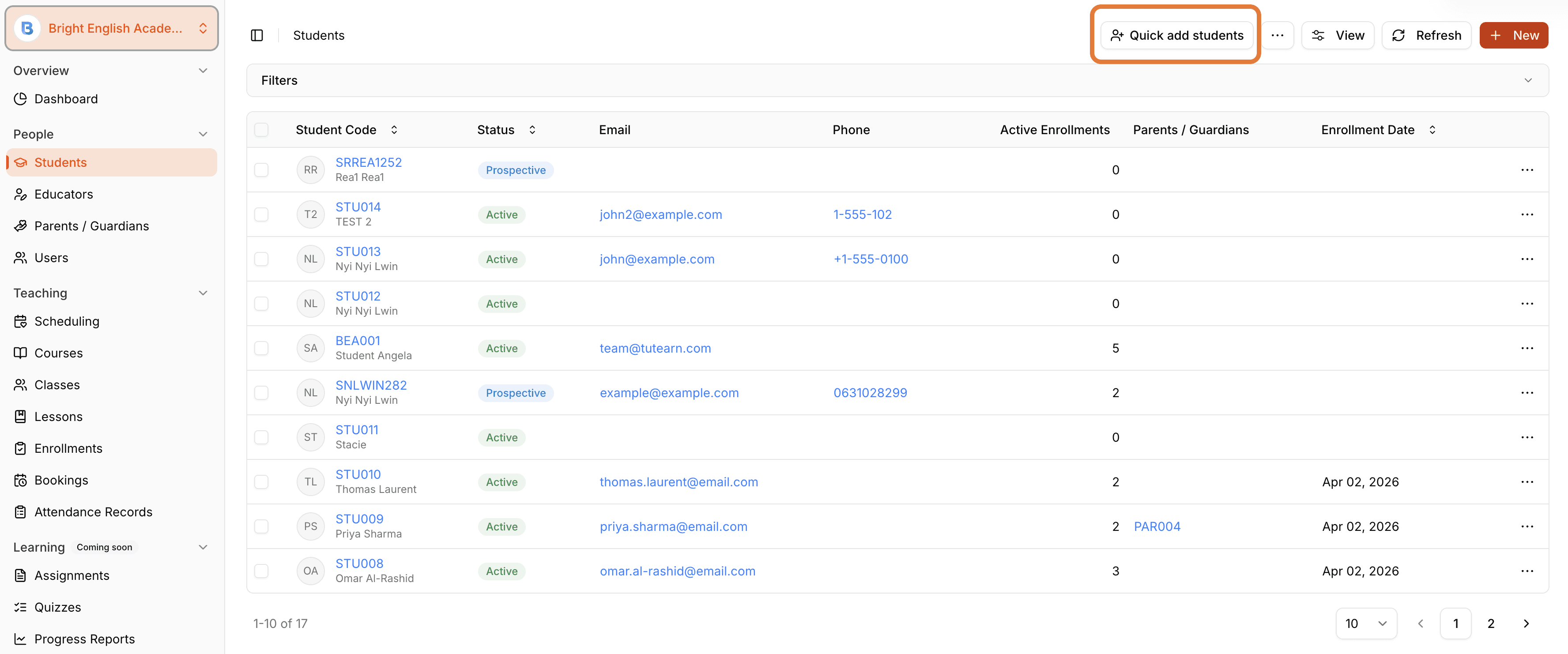
Go to People > Students.
Click + New Student for a single record.
Or click Quick Add Student to paste a list or import from CSV.
Review and confirm to import.
Smart capacity
Quick Add applies class capacity automatically — overflow goes to the waitlist.
For more detailed definitions and advanced options, see the Tutearn documentation.