Automate Your Admin
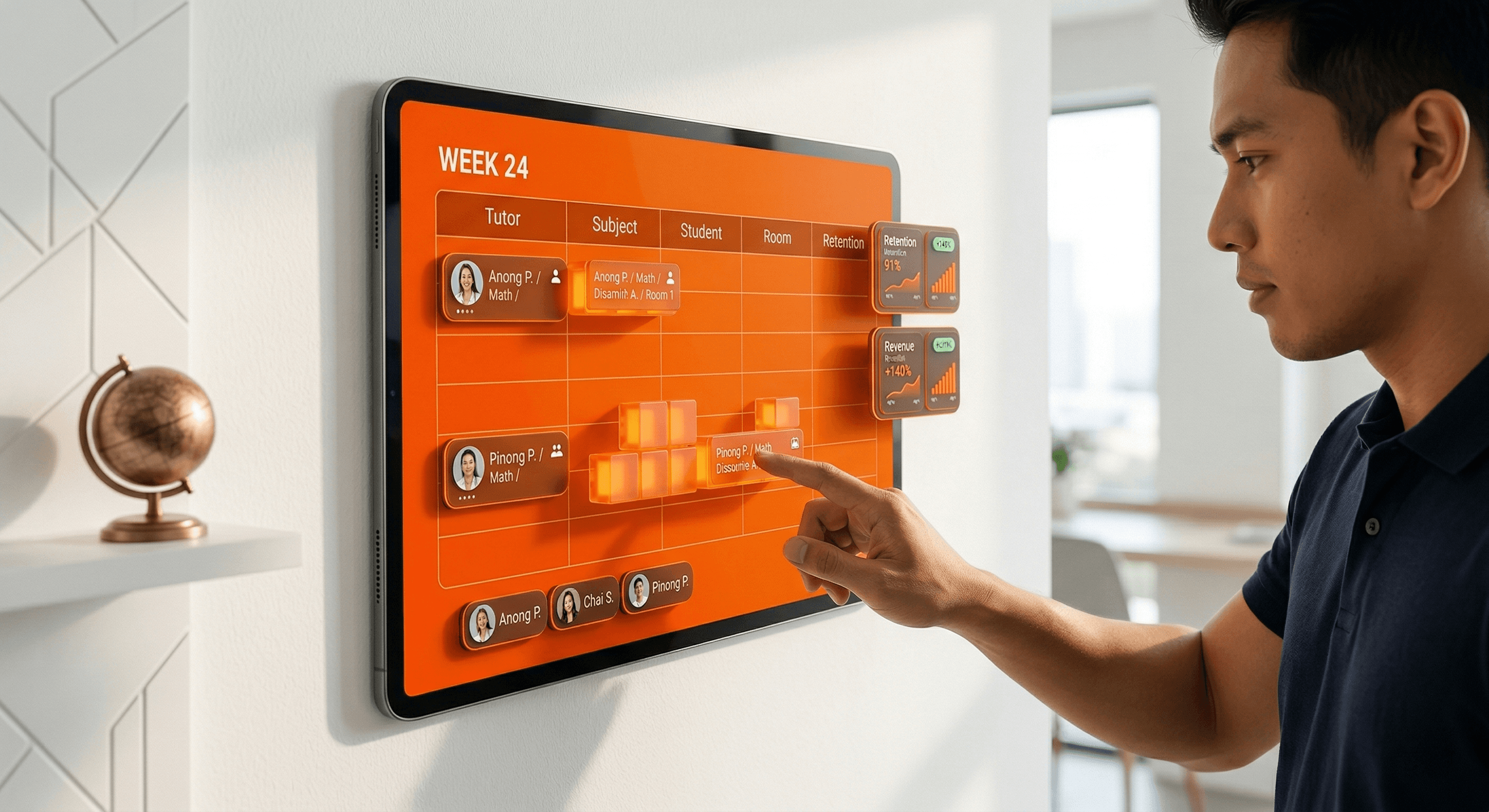
For many tutoring center owners, Sunday evening is not a time for rest—it is a time for the "Schedule Shuffle." Between tutors requesting leave, parents swapping times, and new enrollments, managing a calendar manually can consume over 10 hours a week. To grow, you must stop being a human calendar and start using automation.
The Chaos of Manual Coordination
In the tutoring markets of Manila, Bangkok, and Jakarta, communication usually happens on WhatsApp. While fast, it is disorganized. A tutor forgets a class, a parent shows up at the wrong time, or you double-book a room. These aren't just small mistakes; they damage your reputation and drain your energy.
1. The "Hidden" 10-Hour Drain
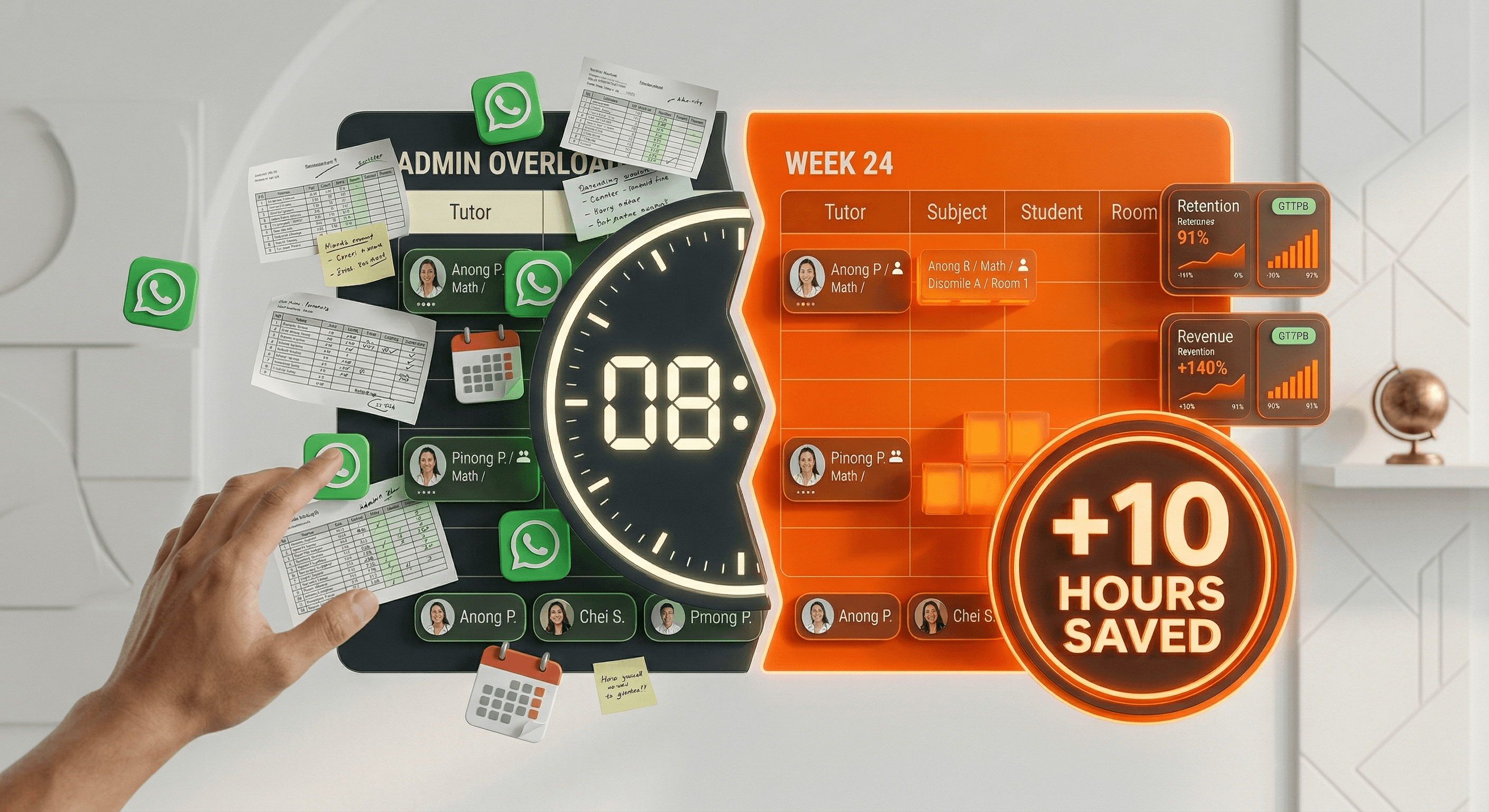
Calculate the time you spend: 2 hours sending reminders, 3 hours handling rescheduling, 2 hours fixing conflicts, and 3 hours updating tutors. That is 10 hours that should be spent on marketing or teacher training. Automation doesn't just manage classes; it buys back your life.
2. Moving to a Self-Service Model
The secret to 2026 growth is self-service. When you use a students management system, parents can see available slots and request changes through their own portal. Tutors can view their rosters instantly. You become the moderator, not the manual entry clerk.
"If your business depends on you manually sending every schedule update, you don't own a business; you own a very stressful job."
How to Automate in 3 Steps
Centralize Your Roster: Move all tutor availability into one digital system. No more checking individual messages.
Enable Auto-Reminders: Let the system send SMS or email notifications 24 hours before a class. This reduces "no-shows" by 80%.
Branded Parent Portal: Give parents a single link to check their child's time. This silences the "What time is class?" WhatsApp noise.
Conclusion: Stop Managing. Start Growing.
Reclaiming 10 hours a week is the equivalent of gaining a full extra work month every year. What could you build with that time? At Tutearn, we help you automate your scheduling so you can focus on scale.
FAQ
Q: Will automation feel less "personal" to parents?
A: No. Parents actually prefer the clarity and professionalism of a digital schedule over a messy chat history. It shows you value their time.
Q: Does the system handle different time zones for online classes?
A: Yes. Tutearn automatically adjusts schedules based on the user's location, perfect for hybrid or online centers.



" height="26.775854982010287px" id="cApMGcL1n" transform="translate(8.075 0)" width="155.3056933182408px"/><path d="M 2.104 7.648 C 3.183 6.921 4.353 6.381 5.609 6.039 C 7.955 5.398 10.298 5.468 12.623 6.156 C 14.353 6.668 15.883 7.558 17.235 8.755 C 17.581 9.063 17.63 9.402 17.35 9.765 C 16.893 10.357 16.391 10.911 15.779 11.347 C 15.381 11.63 15.118 11.589 14.737 11.257 C 14.263 10.841 13.789 10.419 13.273 10.056 C 11.993 9.153 10.613 8.45 9.076 8.097 C 7.36 7.703 5.637 7.627 3.9 7.945 C 2.651 8.173 1.464 8.575 0.367 9.222 C 0.28 9.274 0.145 9.371 0 9.454 C 0.142 8.928 0.322 8.475 0.474 8.073 C 1.505 5.343 3.242 3.198 5.751 1.703 C 7.017 0.949 8.377 0.457 9.827 0.198 C 11.388 -0.083 12.938 -0.055 14.495 0.218 C 14.692 0.253 14.886 0.298 15.076 0.35 C 15.571 0.485 15.775 0.827 15.588 1.315 C 15.384 1.841 15.163 2.364 14.876 2.845 C 14.474 3.519 13.948 4.097 13.339 4.596 C 13.052 4.834 12.727 4.924 12.367 4.852 C 10.671 4.499 8.969 4.499 7.287 4.852 C 6.138 5.094 5.024 5.475 3.983 6.052 C 2.896 6.654 1.924 7.405 1.045 8.281 C 0.92 8.405 0.789 8.53 0.664 8.651" fill="rgb(242, 96, 21)" height="11.53514688908613px" id="vkqCGwQj4" transform="translate(15.185 3.587)" width="17.53137732008387px"/><path d="M 2.384 1.426 C 3.416 2.208 4.312 3.154 5.038 4.226 C 6.401 6.239 7.09 8.478 7.19 10.9 C 7.263 12.703 6.917 14.437 6.218 16.105 C 6.038 16.534 5.73 16.686 5.298 16.541 C 4.588 16.302 3.903 16.004 3.294 15.565 C 2.896 15.278 2.851 15.018 3.045 14.551 C 3.284 13.966 3.533 13.385 3.709 12.779 C 4.149 11.274 4.37 9.741 4.211 8.174 C 4.031 6.423 3.547 4.765 2.685 3.226 C 2.066 2.118 1.305 1.122 0.339 0.291 C 0.263 0.226 0.128 0.129 0 0.018 C 0.543 -0.017 1.031 0.008 1.46 0.018 C 4.377 0.115 6.969 1.063 9.194 2.956 C 10.315 3.911 11.222 5.039 11.934 6.329 C 12.703 7.717 13.177 9.195 13.419 10.755 C 13.45 10.952 13.467 11.15 13.481 11.35 C 13.512 11.862 13.253 12.167 12.734 12.146 C 12.173 12.125 11.602 12.08 11.055 11.966 C 10.287 11.804 9.571 11.492 8.903 11.077 C 8.585 10.88 8.395 10.603 8.35 10.236 C 8.135 8.52 7.588 6.904 6.706 5.43 C 6.104 4.423 5.384 3.489 4.502 2.689 C 3.581 1.855 2.557 1.177 1.443 0.627 C 1.284 0.547 1.125 0.468 0.969 0.385" fill="rgb(242, 96, 21)" height="16.594151459163477px" id="oS98wg0QL" transform="translate(19.663 12.784)" width="13.483612746338414px"/><path d="M 13.624 2.696 C 13.173 3.91 12.528 5.042 11.713 6.049 C 10.184 7.938 8.239 9.246 5.949 10.045 C 4.243 10.64 2.485 10.81 0.686 10.623 C 0.222 10.575 -0.013 10.325 0.001 9.869 C 0.025 9.121 0.108 8.381 0.354 7.668 C 0.513 7.204 0.748 7.087 1.253 7.135 C 1.879 7.194 2.513 7.263 3.139 7.256 C 4.707 7.242 6.239 7.007 7.693 6.398 C 9.316 5.716 10.762 4.775 11.987 3.502 C 12.866 2.585 13.599 1.571 14.111 0.405 C 14.153 0.315 14.205 0.156 14.274 0 C 14.464 0.509 14.586 0.986 14.696 1.398 C 15.451 4.218 15.295 6.972 14.129 9.651 C 13.541 11 12.724 12.194 11.696 13.253 C 10.592 14.391 9.316 15.274 7.893 15.959 C 7.713 16.045 7.53 16.121 7.343 16.19 C 6.862 16.37 6.495 16.211 6.364 15.706 C 6.222 15.163 6.098 14.606 6.049 14.045 C 5.98 13.263 6.073 12.488 6.274 11.727 C 6.371 11.367 6.578 11.104 6.918 10.952 C 8.499 10.249 9.883 9.256 11.042 7.986 C 11.831 7.118 12.516 6.159 13.025 5.083 C 13.558 3.959 13.907 2.782 14.111 1.557 C 14.139 1.381 14.174 1.208 14.205 1.031" fill="rgb(242, 96, 21)" height="16.261952576631565px" id="FYdJ1SJIt" transform="translate(7.004 17.203)" width="15.158266796182085px"/><path d="M 14.998 11.021 C 13.697 10.976 12.434 10.727 11.216 10.267 C 8.939 9.409 7.088 7.976 5.607 6.056 C 4.507 4.627 3.787 3.007 3.399 1.246 C 3.299 0.793 3.462 0.488 3.901 0.36 C 4.617 0.146 5.348 -0.007 6.102 0 C 6.59 0 6.777 0.191 6.891 0.685 C 7.033 1.301 7.168 1.921 7.372 2.516 C 7.88 3.997 8.586 5.377 9.621 6.568 C 10.777 7.893 12.13 8.969 13.721 9.73 C 14.867 10.277 16.06 10.651 17.33 10.772 C 17.431 10.782 17.597 10.782 17.766 10.8 C 17.344 11.142 16.929 11.405 16.573 11.64 C 14.137 13.246 11.472 13.966 8.562 13.703 C 7.095 13.571 5.704 13.17 4.375 12.53 C 2.95 11.841 1.707 10.907 0.607 9.772 C 0.469 9.63 0.337 9.478 0.213 9.322 C -0.109 8.921 -0.071 8.526 0.365 8.243 C 0.835 7.938 1.327 7.644 1.842 7.422 C 2.562 7.111 3.327 6.952 4.112 6.907 C 4.486 6.883 4.801 7 5.05 7.274 C 6.216 8.554 7.593 9.554 9.164 10.253 C 10.237 10.73 11.365 11.076 12.545 11.222 C 13.78 11.371 15.005 11.333 16.233 11.139 C 16.41 11.111 16.586 11.087 16.759 11.063" fill="rgb(242, 96, 21)" height="13.755802948807395px" id="o7Yeq9H5n" transform="translate(0 9.165)" width="17.76634845523122px"/></g></svg>)


