Automate Your Admin
How to Create a Tutoring Schedule in Google Sheets (Free Template)
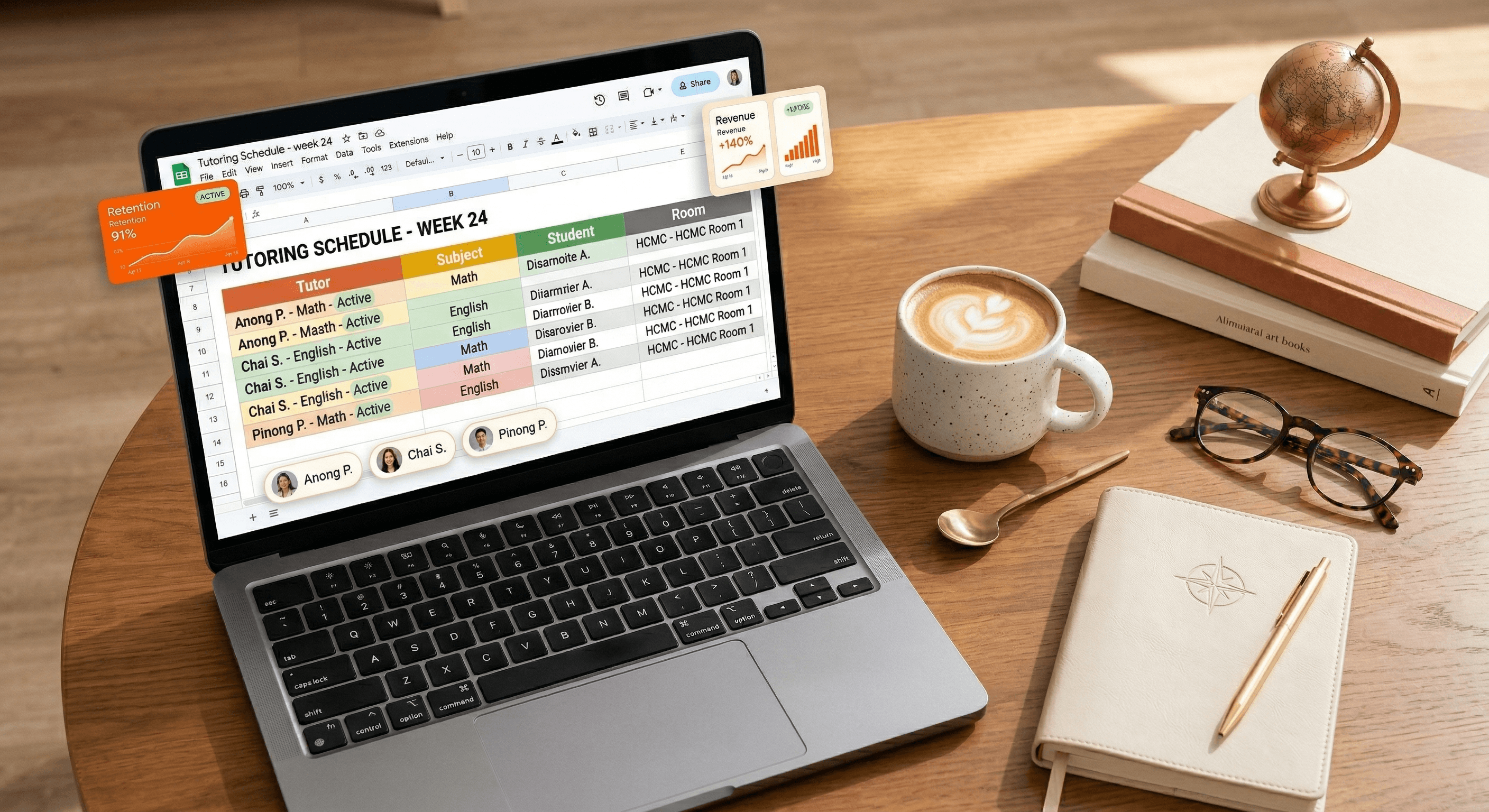
Scheduling is the heartbeat of any tutoring center. If your schedule is messy, your entire operation feels chaotic. Many owners in Southeast Asia start with Google Sheets because it’s free and flexible. In this guide, we’ll show you how to build a basic tutor schedule—and why you eventually need to move beyond it to truly grow.
Step-by-Step: Building Your Google Sheets Schedule
To create a functional (but manual) schedule, follow these steps:
Step 1: The Foundation. Create columns for "Tutor Name," "Student Name," "Subject," "Time Slot," and "Room/Link."
Step 2: Data Validation. Use 'Data Validation' to create drop-down menus for your tutors and subjects. This prevents typing errors that lead to scheduling conflicts.
Step 3: Conditional Formatting. Set up a rule to highlight duplicate tutor names in the same time slot. This is your "manual alarm" for double-booking.
The "Management Trap" of Manual Sheets
While Google Sheets is a great starting point, it has a "Growth Ceiling." Once you reach 30 students or 5 tutors, the manual workload explodes. You’ll find yourself at 2 AM fixing broken formulas or answering WhatsApp messages from parents asking, "What time is the class again?"
Why Manual Scheduling Kills Growth:
No Parent Access: Parents can't see the live schedule, leading to endless "status update" chats.
Version Control: If a tutor accidentally deletes a cell, your entire week is ruined.
Zero Automation: You still have to manually send reminders for every single class.
"A spreadsheet helps you organize the present; a system helps you automate the future."
The Solution: Automate Your Calendar
Why spend 5 hours a week on a spreadsheet when a system can do it in 5 seconds? Tutearn automates your tutor scheduling, alerts you to conflicts instantly, and gives parents their own branded portal to check times. Stop Managing. Start Growing. We migrate your manual schedule to our system for free.
Upgrade to Automated Scheduling Today.
FAQ
Q: Is Google Sheets secure for student data?
A: Not really. If you share the link incorrectly, anyone can see your student list and contact info. A dedicated system like Tutearn keeps your data encrypted and secure.
Q: Can Tutearn import my current Google Sheet?
A: Yes! Our team handles the data migration for you so you don't lose a single class record.

Monthly
Yearly
Save 20%
Standard
For one location (online and offline)

$25
/month
All core features
Free data migration
Up to 150 students
+$0.20 per extra student
Multi-Branch
Up to 2 locations

$68
/month
Premium Support
Up to 500 students
Custom Logo
& Subdomain(+$38/mo)
+$0.15 per extra student
Enterprise
For 3+ locations

$168
/month
Unlimited students
FREE Custom Logo
& Subdomain
+$15 for additional locations
5 hours free setup help